Manually uninstalling Cloudera Embedded Container Service from a cluster
You can manually uninstall Cloudera Embedded Container Service from your
cluster.
Before upgrading to Cloudera Data Services on premises 1.5.5 SP4 on
Cloudera Embedded Container Service, you must clean up the directories on every
MIG capable node. For more information, refer to Step
4.
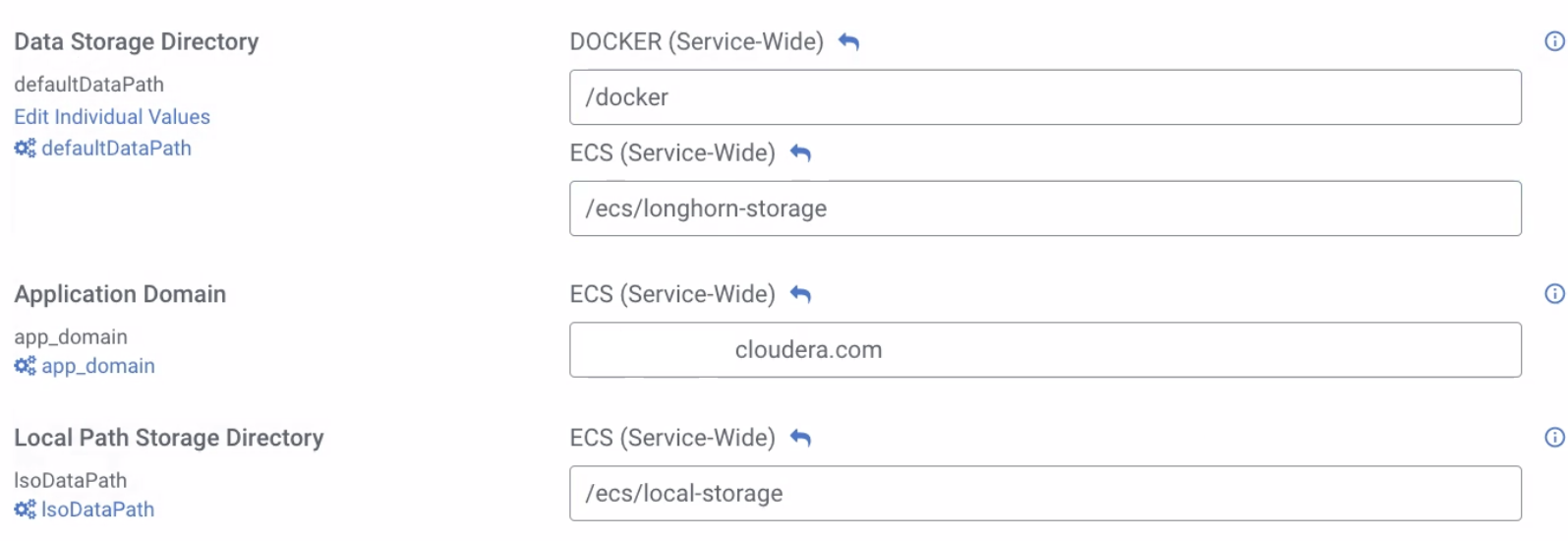
During the installation of Cloudera Embedded Container Service, the directory for
Longhorn and the LSO are decided by Cloudera Manager and defaults
to /ecs.
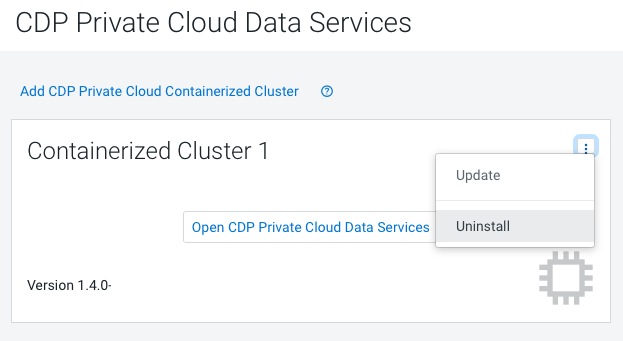
Delete the Cloudera Embedded Container Service cluster in Cloudera Manager.
In Cloudera Manager, navigate to Cloudera Data Services on premises and click . Click
Delete.
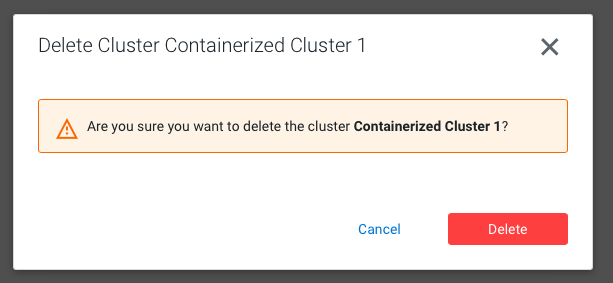
The Delete Cluster wizard appears. Click
Delete.
Clean IPtables on each host:
echo "Reset iptables to ACCEPT all, then flush and delete all other chains";
                        declare -A chains=( [filter]=INPUT:FORWARD:OUTPUT [raw]=PREROUTING:OUTPUT [mangle]=PREROUTING:INPUT:FORWARD:OUTPUT:POSTROUTING [security]=INPUT:FORWARD:OUTPUT [nat]=PREROUTING:INPUT:OUTPUT:POSTROUTING );
                        for table in "${!chains[@]}"; do
                        echo "${chains[$table]}" | tr : $"\n" | while IFS= read -r;
                        do sudo iptables -t "$table" -P "$REPLY" ACCEPT
                        done
                        sudo iptables -t "$table" -F
                        sudo iptables -t "$table" -X
                        done
Reboot the host(s).
Before you install Cloudera Embedded Container Service again, ensure that the
IP tables list is empty by executing the following command: #iptables
-L
 . Click
Delete.
. Click
Delete.