Configuring HMS for high availability
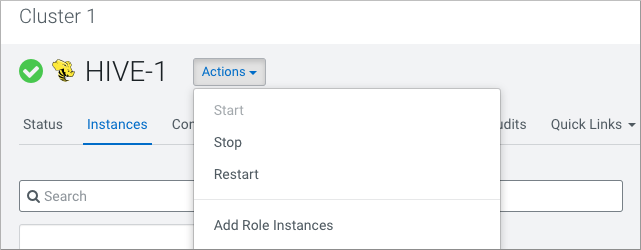
To provide failover to a secondary Hive metastore if your primary instance goes down, you need to know how to add a Metastore role in Cloudera Manager and configure a property.
Multiple HMS instances run in active/active mode. The HMS client, such as HiveServer
or Spark, selects an instance from the list in the
hive.metastore.uris property according to the
hive.metastore.uri.selection property. The default value is
RANDOM: the client picks an HMS instance at random, and if that
instance is down, it picks another instance from the list at random. If you set
hive.metastore.uri.selection to SEQUENTIAL, the
client picks the first valid instance in the list and uses the next instance as the
designated replacement.
-
Select
org.apache.hadoop.hive.thrift.DBTokenStore, and save the change.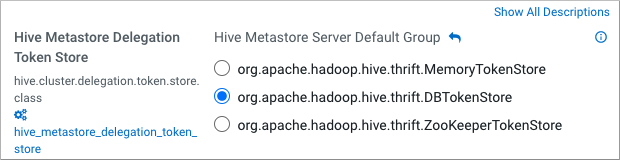 Storage for the Kerberos delegation token is defined by the
hive.cluster.delegation.token.store.classproperty. The available choices are Zookeeper, the Metastore, and memory. Cloudera recommends using the database by setting the org.apache.hadoop.hive.thrift.DBTokenStore property. -
Click